Question
How to connect to a Plesk server via SSH with available credentials?
Answer
If the SSH credentials are available, here is the instruction on how to connect to a Plesk server via SSH from different Operating Systems:
From Plesk UI
- Log into Plesk
- Access the SSH console either
-
- Plesk > Tools & Settings > SSH Terminal
- Plesk > Extensions > My Extensions > SSH Terminal
From Windows
The following programs are available in Windows to establish an SSH connection to a remote server:
From Linux
On Linux, use the Terminal console which is available in every Linux distribution:
-
Open Terminal console in Applications > Terminal:
Note: The location of the Terminal console depends on the installed Linux OS distribution.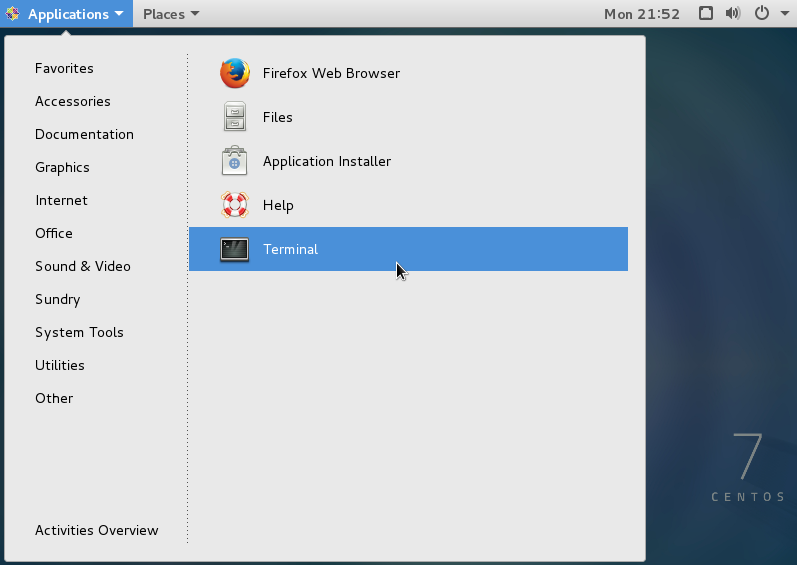
Run the command below to start the SSH connection:
Note: Replace the username, the IP address 203.0.13.2, and port 22 with the corresponding SSH login credentials of the remote server
ssh -p22 [email protected]
From Mac OS
On Mac OS, use the Terminal app which is available in every Mac OS distribution.