You can set up a password to protect access to your WordPress website. Visitors to a password-protected website must enter a valid username and password to view the content of the website.
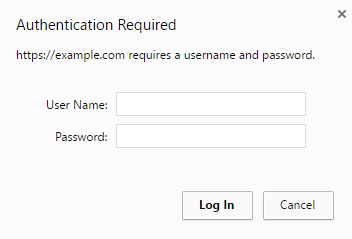
In the following cases, password protection makes sense:
- The website is still in the development phase and you do not want the content to be publicly accessible.
- You want to show a demo version of the website to specific visitors only.
To protect a WordPress website with a password:
- Go to WordPress, select the installation you want to protect with a password, and enable "Password Protection".
- Create a password. If necessary, you can also change the username. The username of the installation's administrator is used by default.
- Click Protect.
If you do not want to use password protection, disable the option.